
Current source alphaTestnet only
Your node.
Your keys.
A clear boundary.
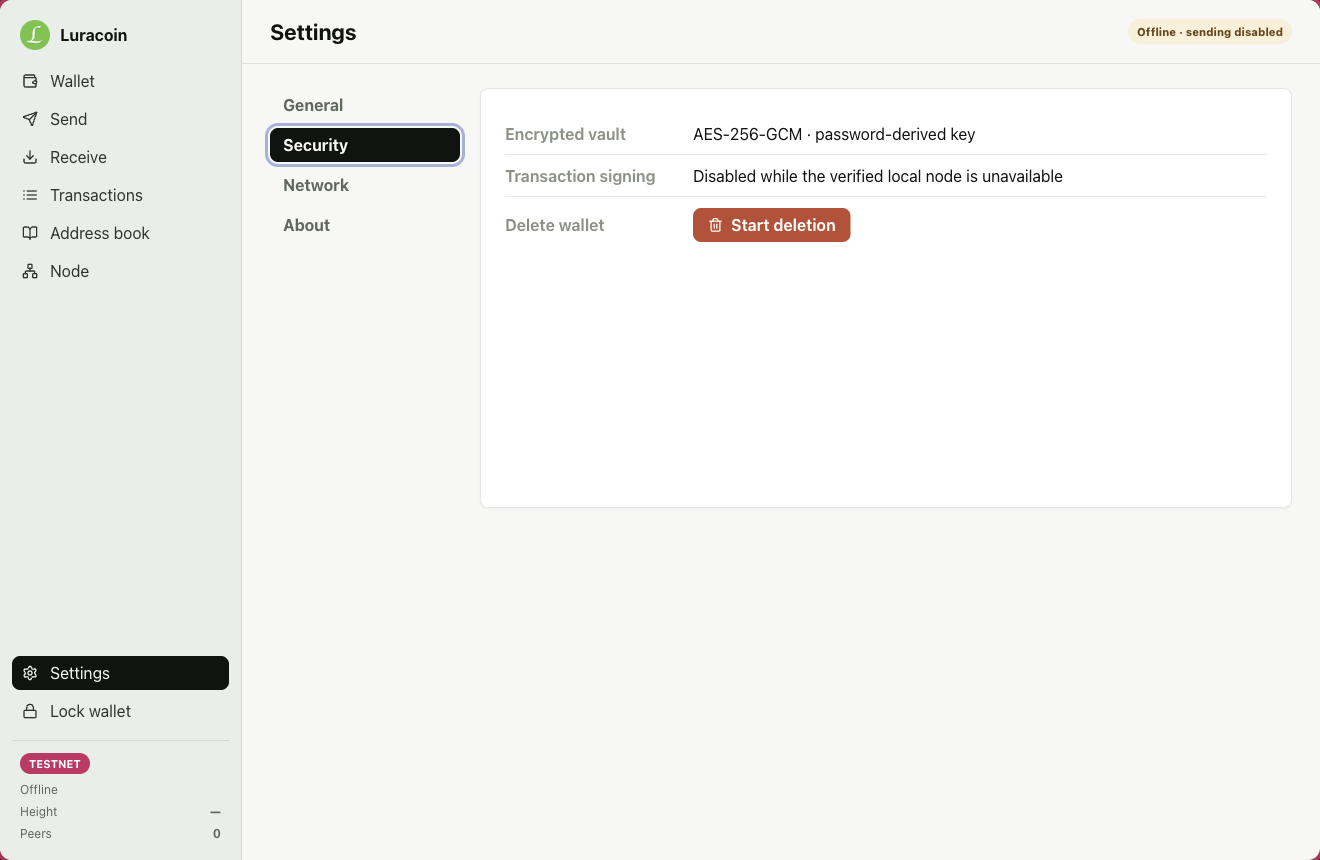
Luracoin Wallet creates and signs on your machine, keeps its vault encrypted locally, and reads network state from a Python node running on loopback.
The source alpha is public. Signed installers are not available yet.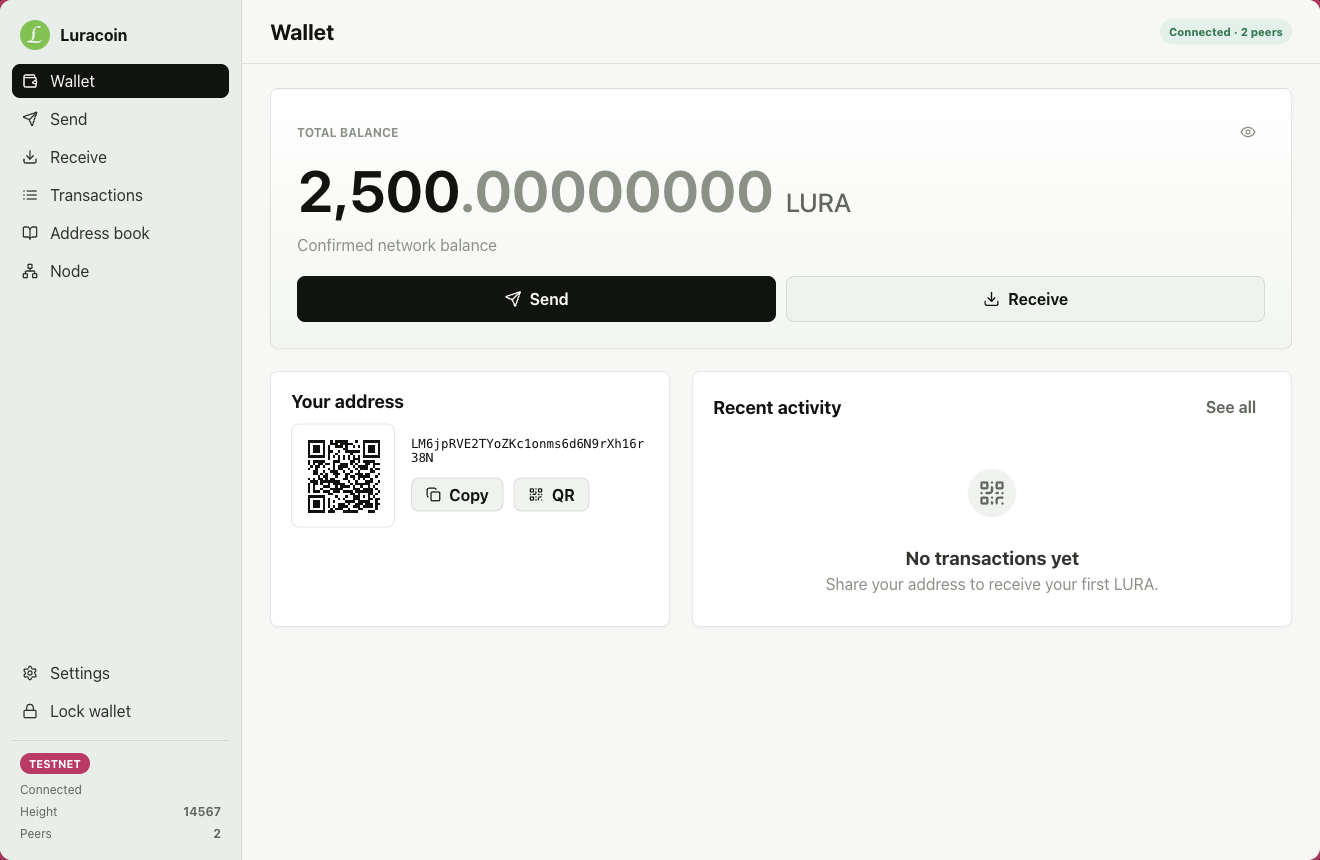
Current interface
See every important step.
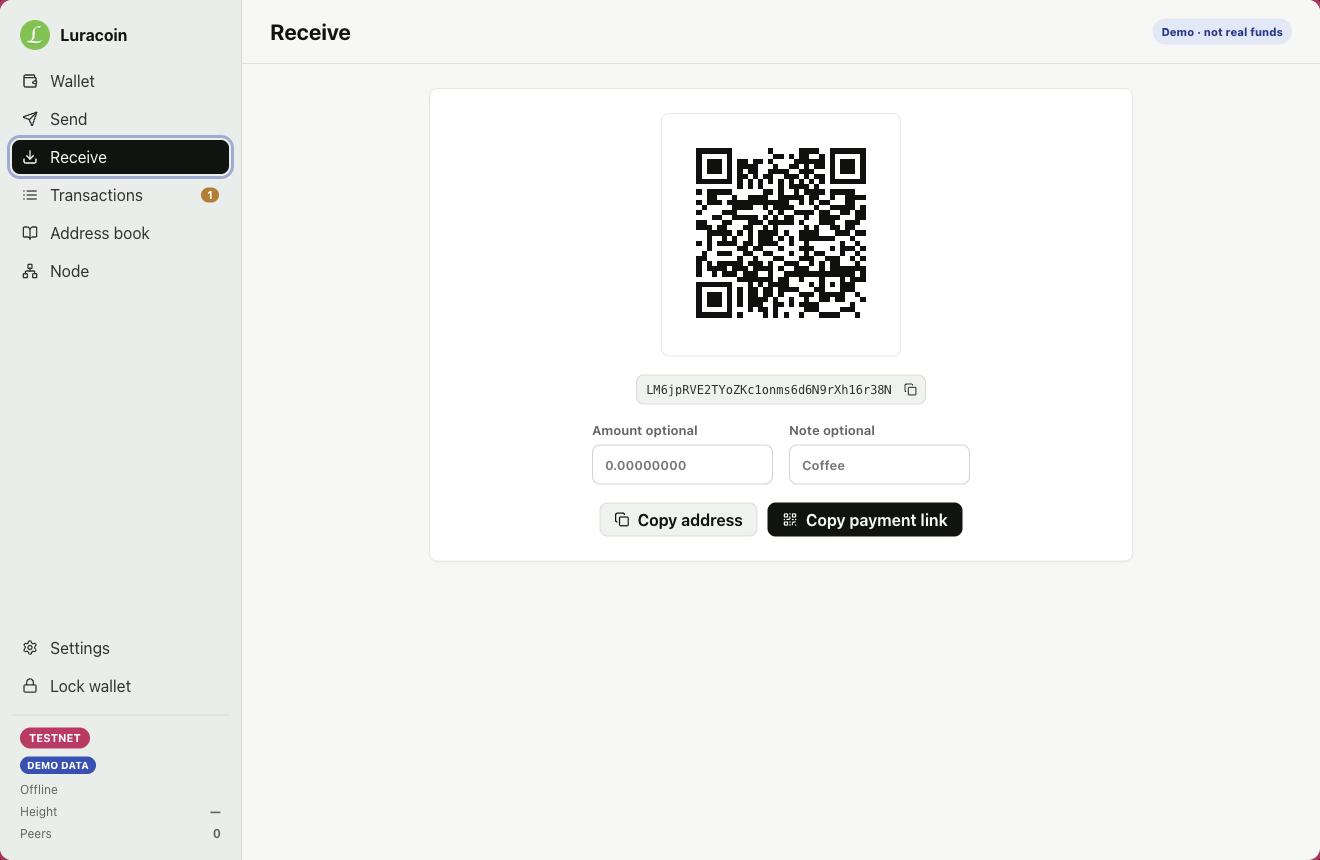
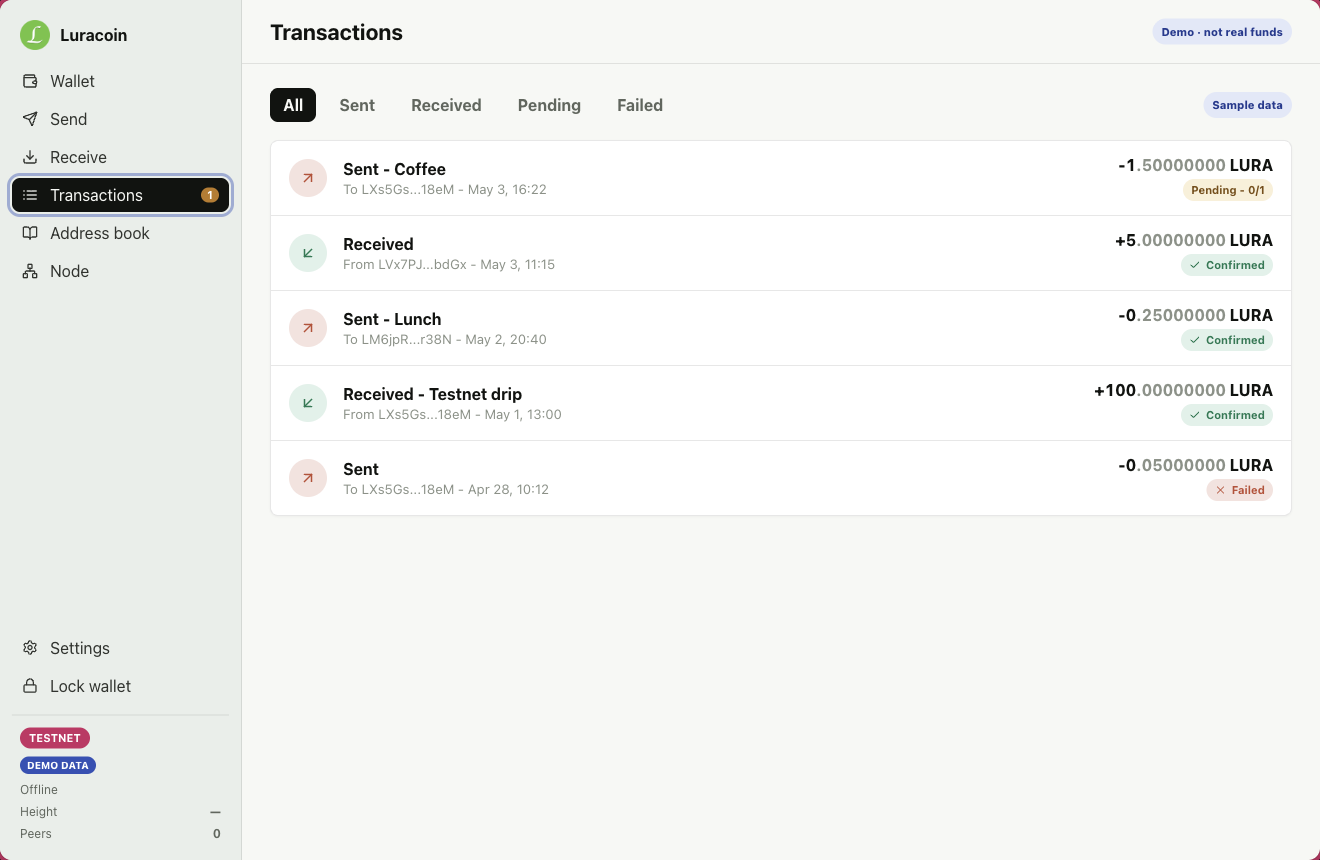
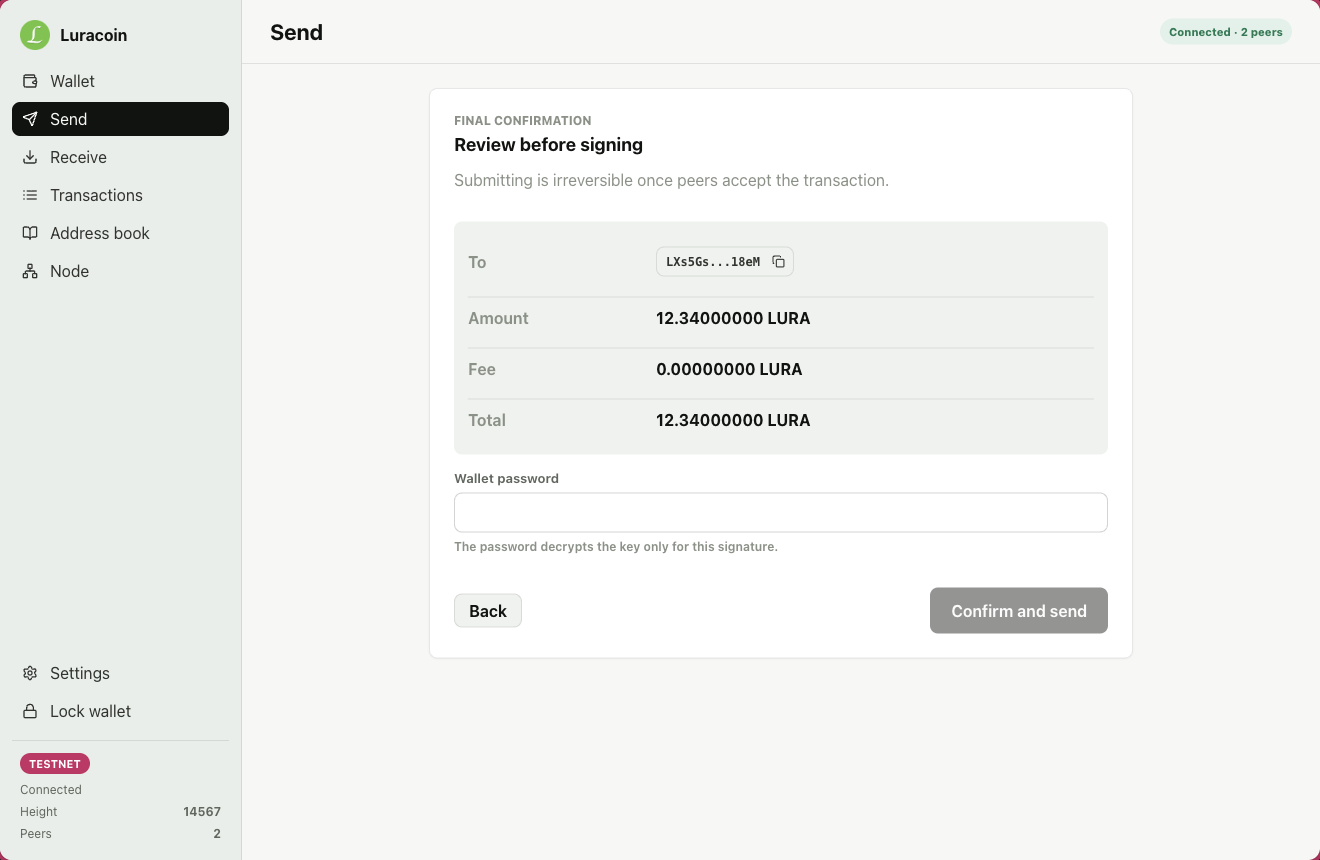
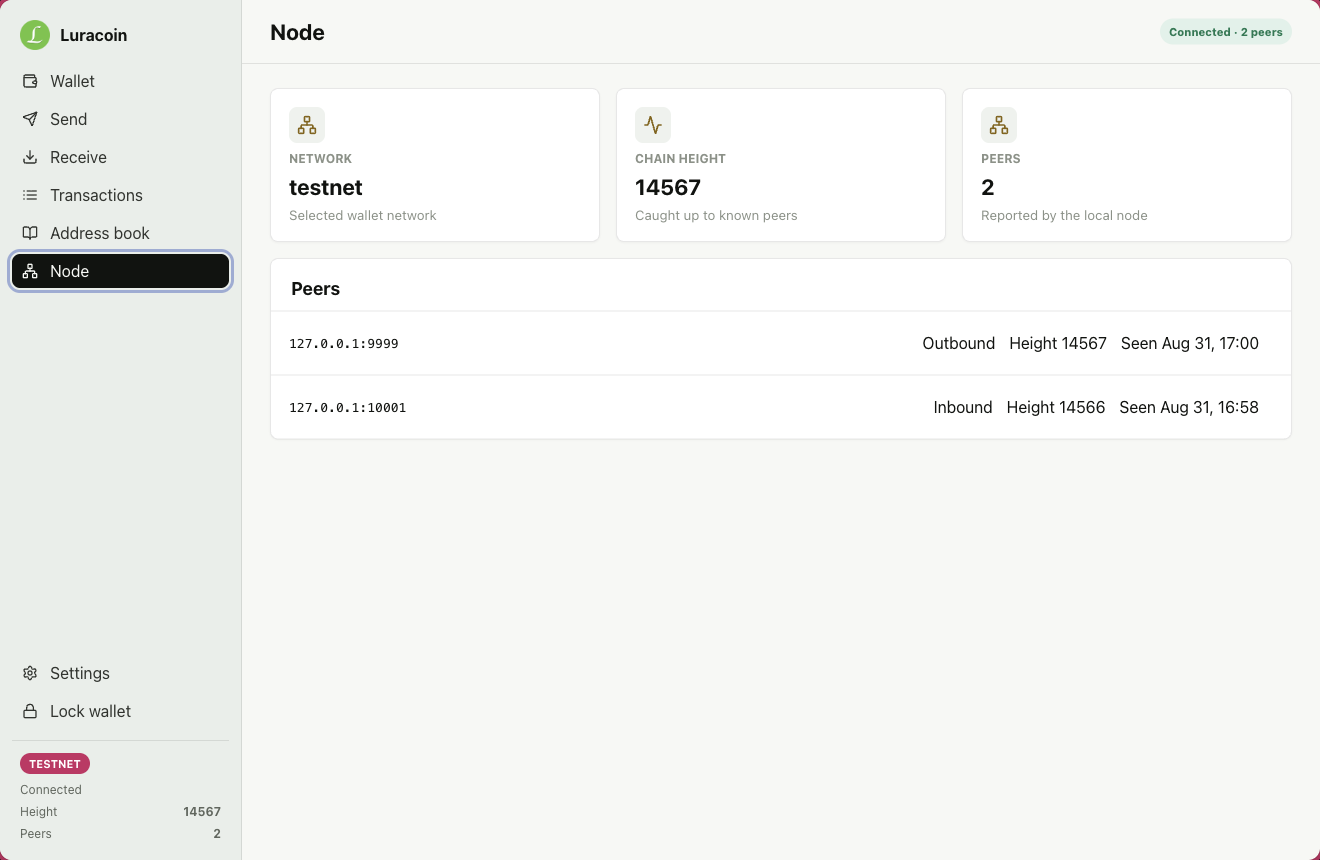
These are unmodified screenshots from the current wallet source. Values shown are testnet data or screens explicitly labeled as demo data.
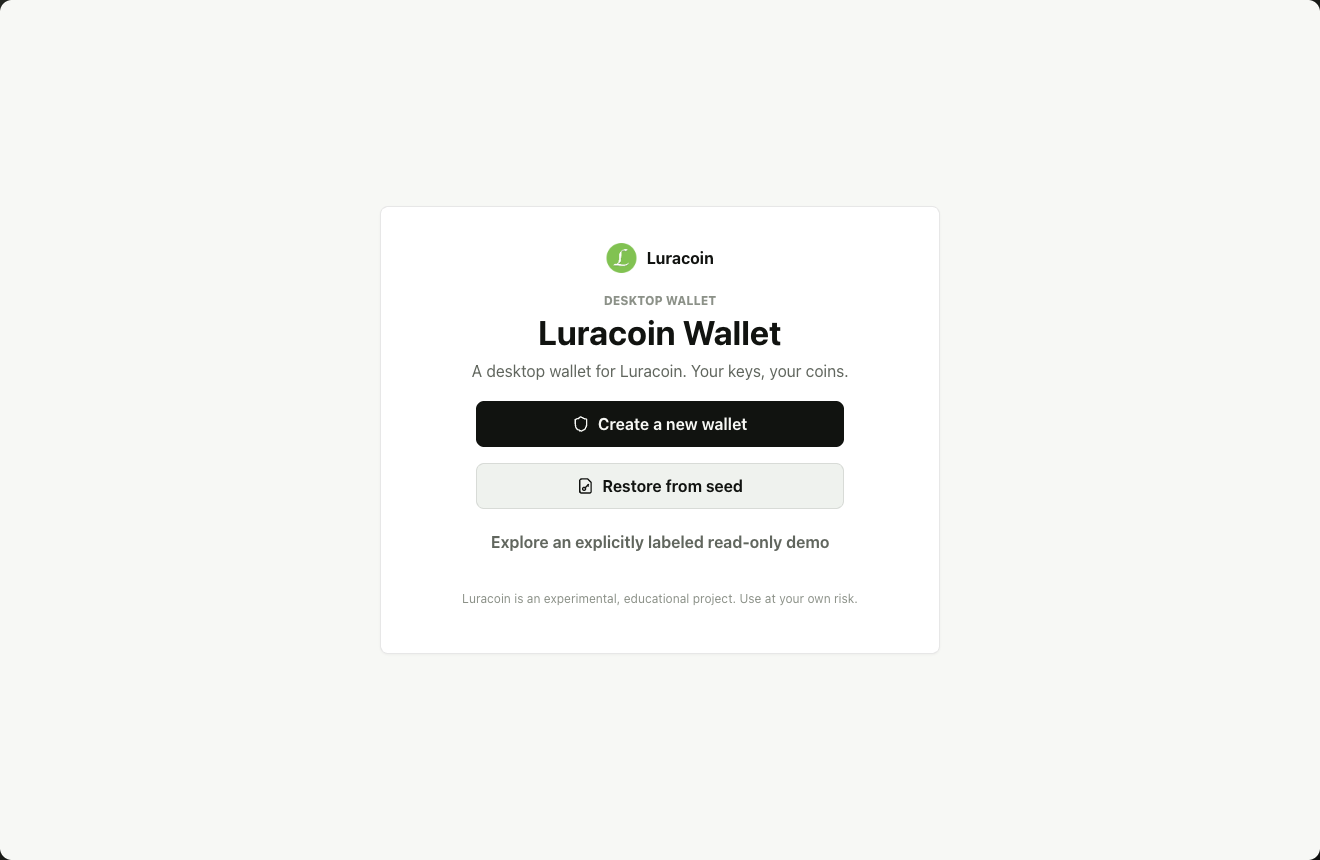
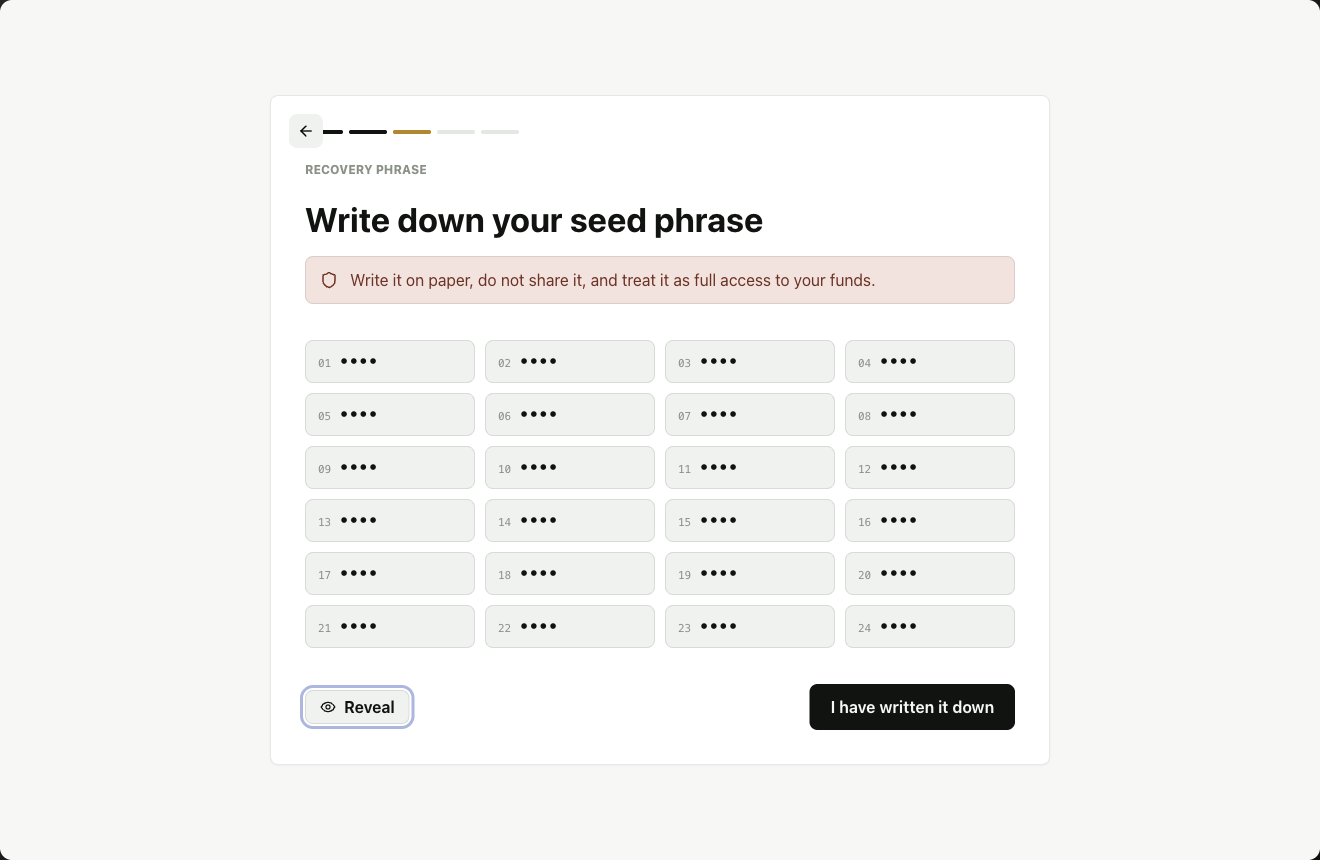
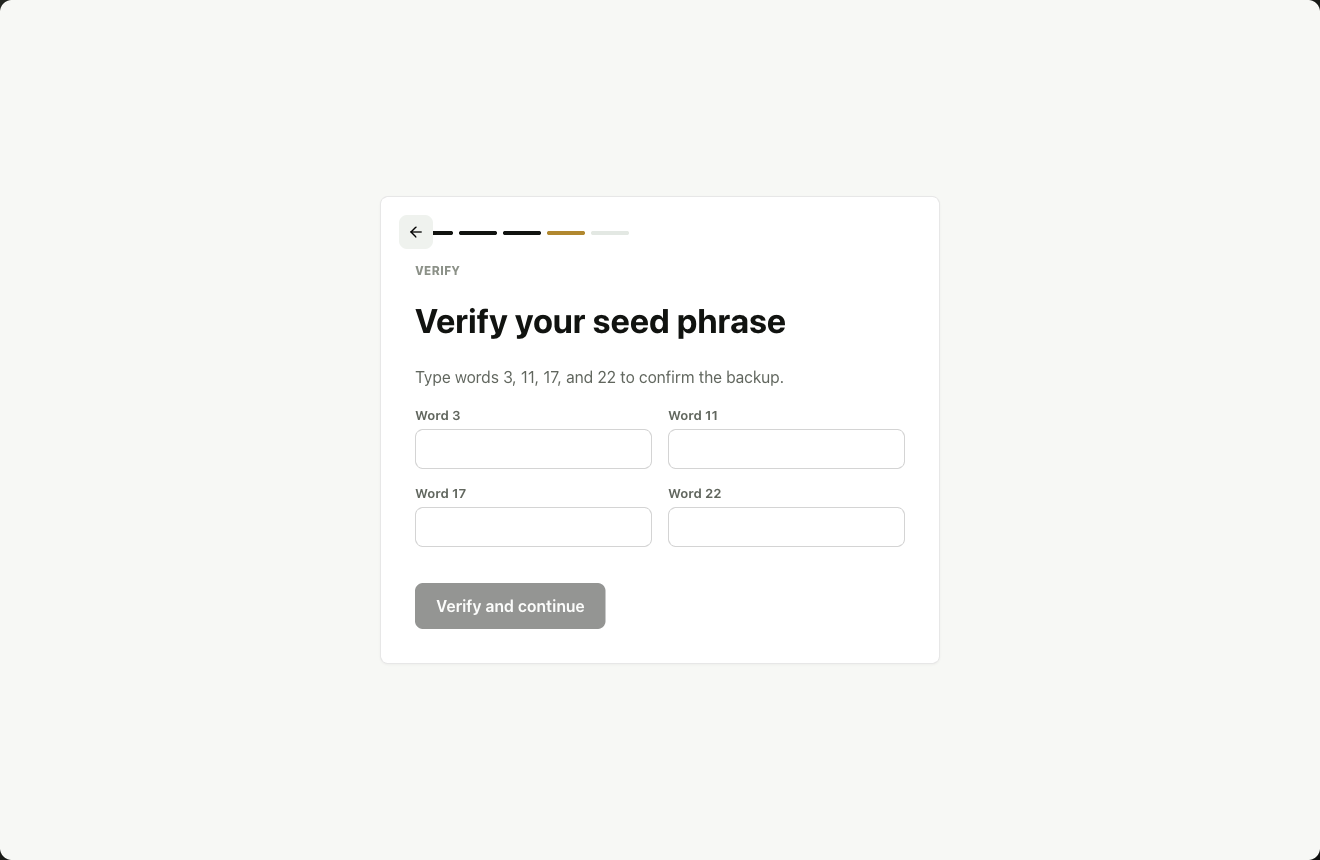
Available today
The essential wallet loop.
Everything revolves around one testnet address and one locally encrypted vault. Demo data stays separate from real node data.
Create or restore
Generate 24 English BIP39 words, verify four of them, or restore with the default LURA passphrase—or your own.
Receive
Copy your 34-character address, display its QR code, or create a luracoin: payment link with optional amount and label.
Sign and send
Review the recipient and amount, unlock only for the signing operation, then submit the canonical bytes to your local node.
Follow activity
See pending outgoing transfers, confirmed history, node height, sync state, and peers without treating confirmations as finality.
YOU INTERACT HEREWallet UIEncrypted vault + local signing
allowed calls→
PRIVATE BRIDGEElectron main / gatewayAdds credentials outside the page
loopback only→
YOUR MACHINEPython nodeRPC + P2P + chain state
The public website never enters this path.
Designed around localhost
The token never reaches the renderer.
The node creates rpc.token with restrictive permissions. Electron reads it in its main process; browser mode uses four fixed same-origin gateway routes and never exposes the bearer to JavaScript.
- RPC accepts HTTP loopback addresses only.
- Redirects, oversized responses, and unexpected networks are rejected.
- Browser mode only runs on
localhostor127.0.0.1. - The public explorer uses a separate read-only API—never the wallet RPC.
Run from source
Two projects, one machine.
From a current alpha checkout, start the node and Redis first, then open Electron from the wallet directory.
01 · Wallet
# From the current alpha source checkout
cd luracoin-wallet
npm ci
npm run electron:dev
02 · Node
# In another terminal, with Redis running
cd luracoin-python
source .venv/bin/activate
luracoin node --network testnet --host 127.0.0.1 --port 9999 --rpc-port 18444PrerequisitesNode.js 22.22.2+, Python 3.10–3.12, Redis 7, and a platform supported by rocksdict.
Recovery comes first
Your password is not your backup.
Write the 24 words down away from the computer. If you restore with a custom BIP39 passphrase, you need both the words and that passphrase to recover the same address.
Never share
- 24-word mnemonic
- Private key or xprv
- Wallet password
rpc.token
Current scope
Source alpha, with deliberate limits.
Signed installers, automatic updates, hardware wallets, multisig, multiple accounts, persistent contacts, QR scanning, or fee selection.
Fee is currently zero, one local outgoing transfer may be pending at a time, and incoming mempool transfers appear only after inclusion.
The encrypted vault lives in renderer localStorage, not the OS keychain or a dedicated key-isolation process. Use a strong unique password; an offline profile copy can be attacked. The software has not been independently audited.